 Miguel ÁngelandGitHub
764b7323f9
Miguel ÁngelandGitHub
764b7323f9
* feat(core): add param-substitution utility for GSAP timeline inlining

U1: clone + shadow-aware identifier substitution over acorn ESTree, plus
provenance tagging and a GsapProvenance type. Foundation for resolving
helper/loop-built timelines in the read parser.

* feat(core): inline helper-built and bounded-loop GSAP timelines

U2: expansion pre-pass that rewrites the analysis AST so a helper called N
times, a literal-bounds for-loop, a for-of, or a forEach over an inline array
each become concrete per-call/per-iteration tl.* statements with substituted
positions and provenance tags. Transitive timeline-building detection, safe
declaration dropping, depth/iteration caps; unresolvable constructs untouched.

* feat(core): resolve computed GSAP timelines in the read parser

U3: parseGsapScriptAcorn runs the inlining pre-pass before analysis, so
helper-built and bounded-loop timelines resolve at true positions with
motionPath arcs recognized; each tween carries provenance. Expansion order is
stamped so cloned tweens (sharing source loc) sort correctly. Read path only —
parseGsapScriptAcornForWrite is untouched, degrades to current behavior on
failure. The add-to-basket addCycle case now yields 7 resolved animations.

* feat(studio): runtime-authoritative keyframes for dynamic timelines

Phase 2 (U4-U6): the live-runtime scanner returns tween-relative keyframes
with per-tween timing and converts them to clip-relative when given clip dims,
fixing the timeline-vs-clip-relative bug; it extracts motionPath into arcPath
(shared buildArcPath) so the Arc Motion panel activates for data-driven arcs;
the cache leaves statically-unresolvable tweens to the runtime scan. Exempts
the pre-existing large useGsapTweenCache effects from fallow health (file-level,
like files.ts) rather than suppression comments.

* feat(studio): surface keyframe editability from provenance

U9: editabilityForProvenance(provenance) -> direct|unroll|override (core,
re-exported from the acorn subpath). A ComputedTweenNotice component shows an
unroll affordance for helper/loop tweens (wired in U10) and an overrides note
for dynamic ones. Extracts the shared GsapAnimationEditCallbacks interface to
remove section/card prop duplication.

* feat(core): lint understands computed timelines (acorn parser)

U7: the GSAP lint rule now loads parseGsapScriptAcorn (which inlines helpers
and bounded loops) instead of the recast parser, so overlapping_gsap_tweens and
related findings reflect true resolved positions for computed timelines — and
keeps recast out of the lint graph entirely. Literal compositions are
unchanged (parity), all 182 lint tests pass.

* docs: document the computed-timeline keyframe editing model

U8: keyframes.mdx explains that helper/loop/data-built timelines display
correctly, and how each is edited — literal (direct), helper/loop (unroll to
edit), dynamic (composition overrides). Nothing is permanently locked.

* feat: unroll computed timelines into literal tweens (U10)

Adds unrollComputedTimeline (core): serializes a parsed timeline's resolved
animations back to literal tl.* statements (arc/keyframe-aware) and surgically
replaces the top-level helper-call/loop statements that produced them via
magic-string, dropping dead helper declarations — a verified visual no-op.
Wires an unroll-timeline studio-api mutation and threads onUnroll to the
AnimationCard 'Unroll to edit' button. Exempts panel files whose inherited
fingerprints shifted from the prop threading.

* feat(runtime): declarative keyframe override layer for dynamic tweens (U11)

Adds applyKeyframeOverrides: fetches a gsap-overrides.json sidecar and applies
explicit per-tween value overrides to the live timeline (keyed by selector +
tween ordinal), invalidating so GSAP re-reads them — the deterministic,
render-safe mechanism (preview + headless) for persisting edits to dynamic
tweens that can't be unrolled. Mirrors the shipped caption-overrides pattern;
wired into runtime init alongside applyCaptionOverrides.

* refactor: drop the keyframe override layer; rely on unroll + source

Removes the gsap-overrides.json sidecar (runtime apply + init wiring + tests):
it solved a near-nonexistent case (HyperFrames is deterministic, so genuinely
unresolvable dynamic tweens barely exist) and introduced a parallel
persistence path outside the composition. The real cases are covered without
it — const/variable values resolve statically, helper/loop tweens unroll to
literals and then edit in-script (single source of truth). Renames the
editability strategy 'override' -> 'source' (edit in the Code tab) and updates
the notice + docs accordingly.

* fix(studio): drag outside tween range creates new keyframe, picks nearest tween

Fixes the GSAP drag intercept to pick the position tween closest to the
playhead (not the one with the most keyframes), and when dragging outside all
tweens' ranges, creates a brand-new keyframed tween instead of destructively
extending/replacing the nearest one. Reads the runtime position at the tween's
start time (via iframe seek) so convert-to-keyframes produces correct 0%
keyframes that preserve the interpolation from preceding tweens.

* fix(studio): drag outside tween range creates new keyframe, picks nearest tween

Also reverts all fallow health.ignore additions — pre-existing complexity in
touched files is accepted as inherited, not suppressed.






Write HTML. Render video. Built for agents.
Quickstart | Showcase | Playground | Catalog | Docs | Discord

HyperFrames is an open-source framework for turning HTML, CSS, media, and seekable animations into deterministic MP4 videos. Use it locally with the CLI, from AI coding agents with skills, or as the rendering core behind hosted authoring workflows.
Quick Start
With an AI coding agent
Install the HyperFrames skills, then describe the video you want:
npx skills add heygen-com/hyperframes
Try a prompt like:
Using
/hyperframes, create a 10-second product intro with a fade-in title, a background video, and subtle background music.
The skills teach agents the HyperFrames production loop: plan the video, write valid HTML, wire seekable animations, add media, lint, preview, and render. They work with Claude Code, Cursor, Gemini CLI, Codex, and other coding agents that support skills.
For visual design handoff workflows, see the Claude Design guide and Open Design guide.
Manually with the CLI
npx hyperframes init my-video
cd my-video
npx hyperframes preview      # preview in browser with live reload
npx hyperframes render       # render to MP4
Requirements: Node.js 22+, FFmpeg
What You Can Build
Need ideas? Browse the Showcase for finished videos you can watch, read, run, and remix.
- Product launch videos and feature announcements
- PR walkthroughs with animated code diffs, narration, and captions
- Data visualizations, chart races, and map animations
- Social videos with kinetic captions, overlays, and music
- Docs-to-video, PDF-to-video, and website-to-video explainers
- Reusable motion graphics for automated content pipelines
Frame.md
frame.md — your design system, ready for video.
Every brand has a design.md. None of them were written for a camera. frame.md is the missing translation layer: it takes your web-context design spec and inverts it for the frame — the same tokens, the same rules, but rewritten so an AI agent can compose a promo video without guessing at scale or reaching for web chrome.
The output is a DESIGN.md superset your whole toolchain can read. Atoms stay sacred. Composition stays free. Numbers come from the script.

Biennale Yellow |

BlockFrame |
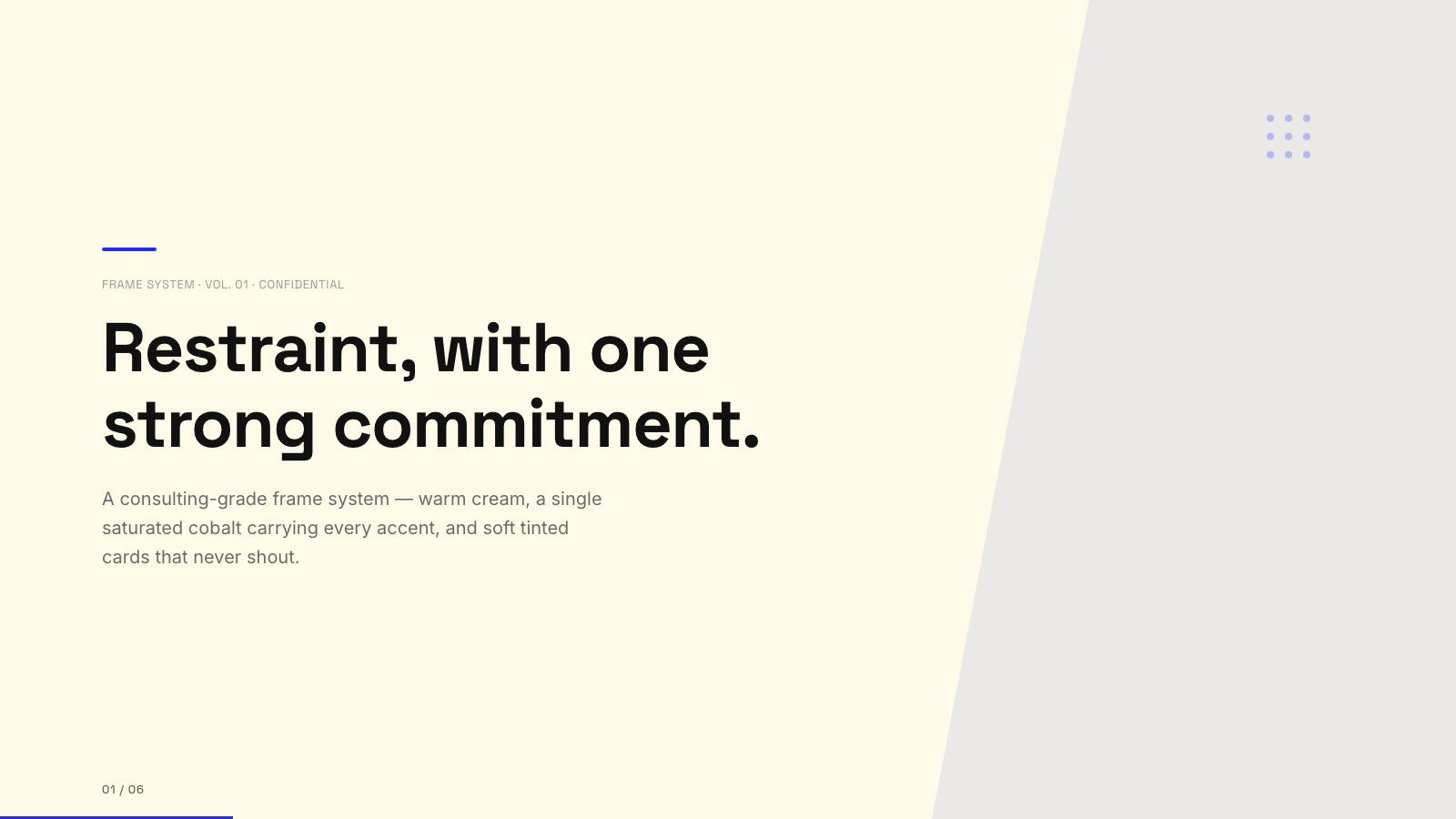
Blue Professional |

Bold Poster |
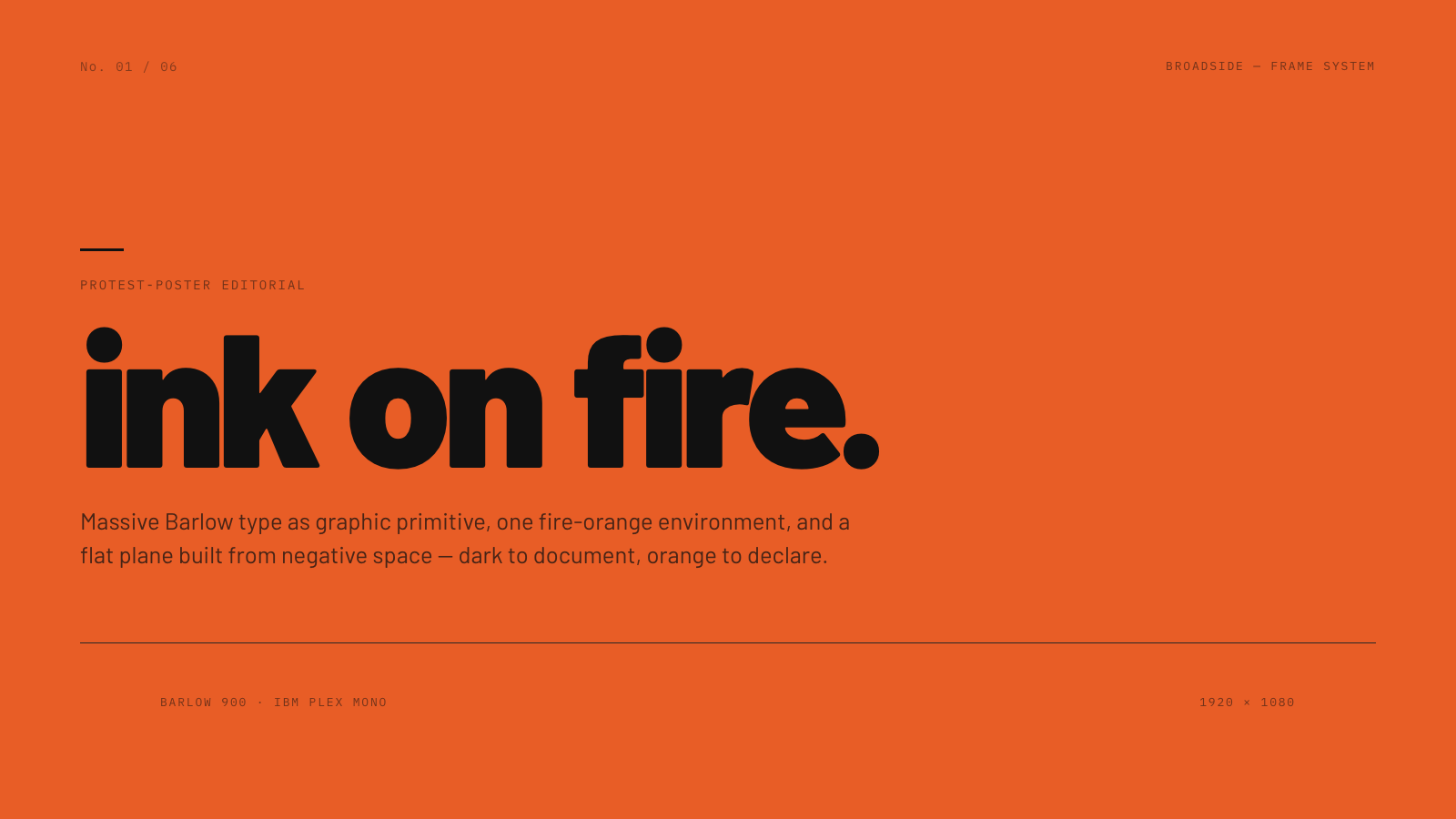
Broadside |
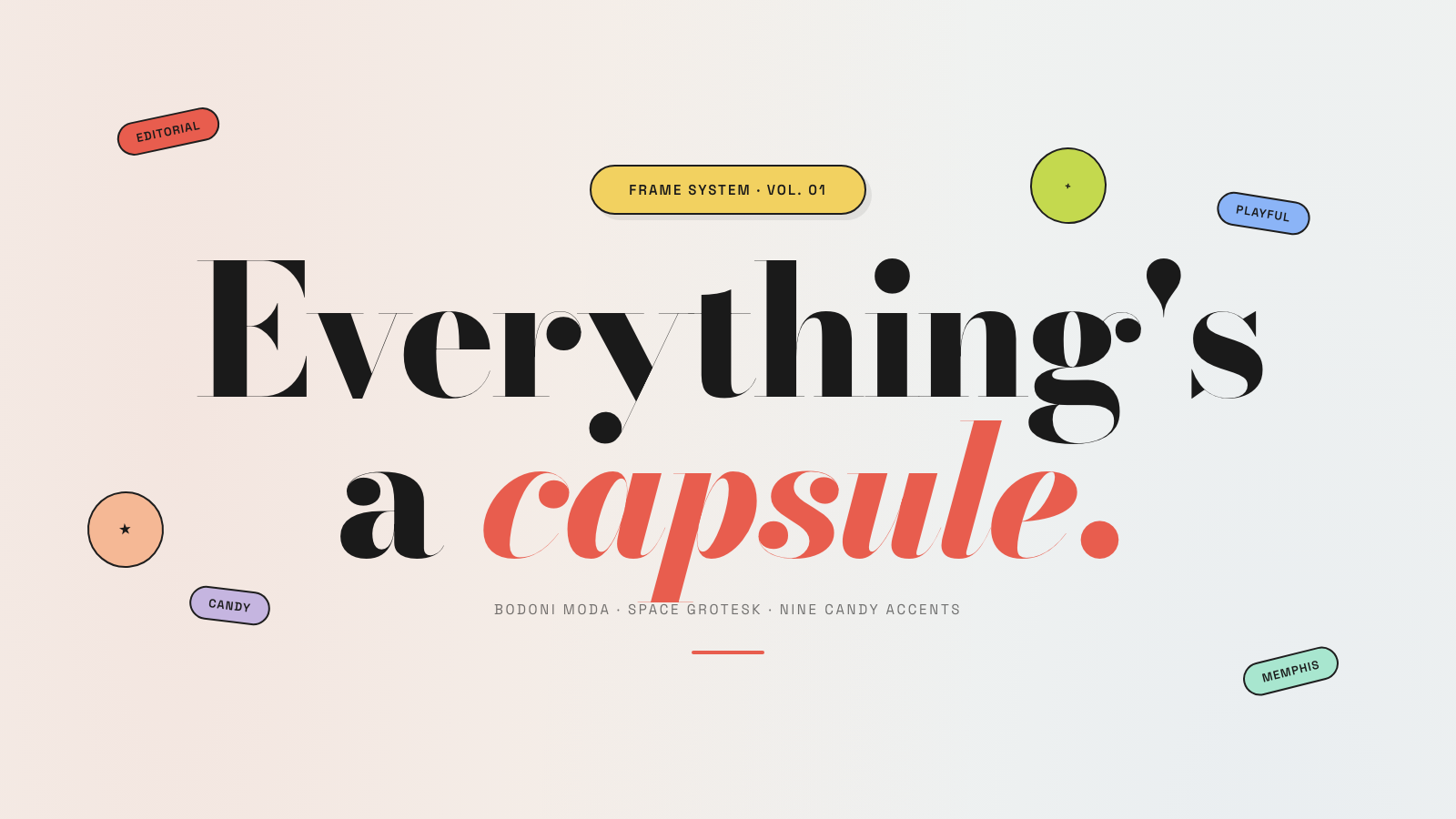
Capsule |
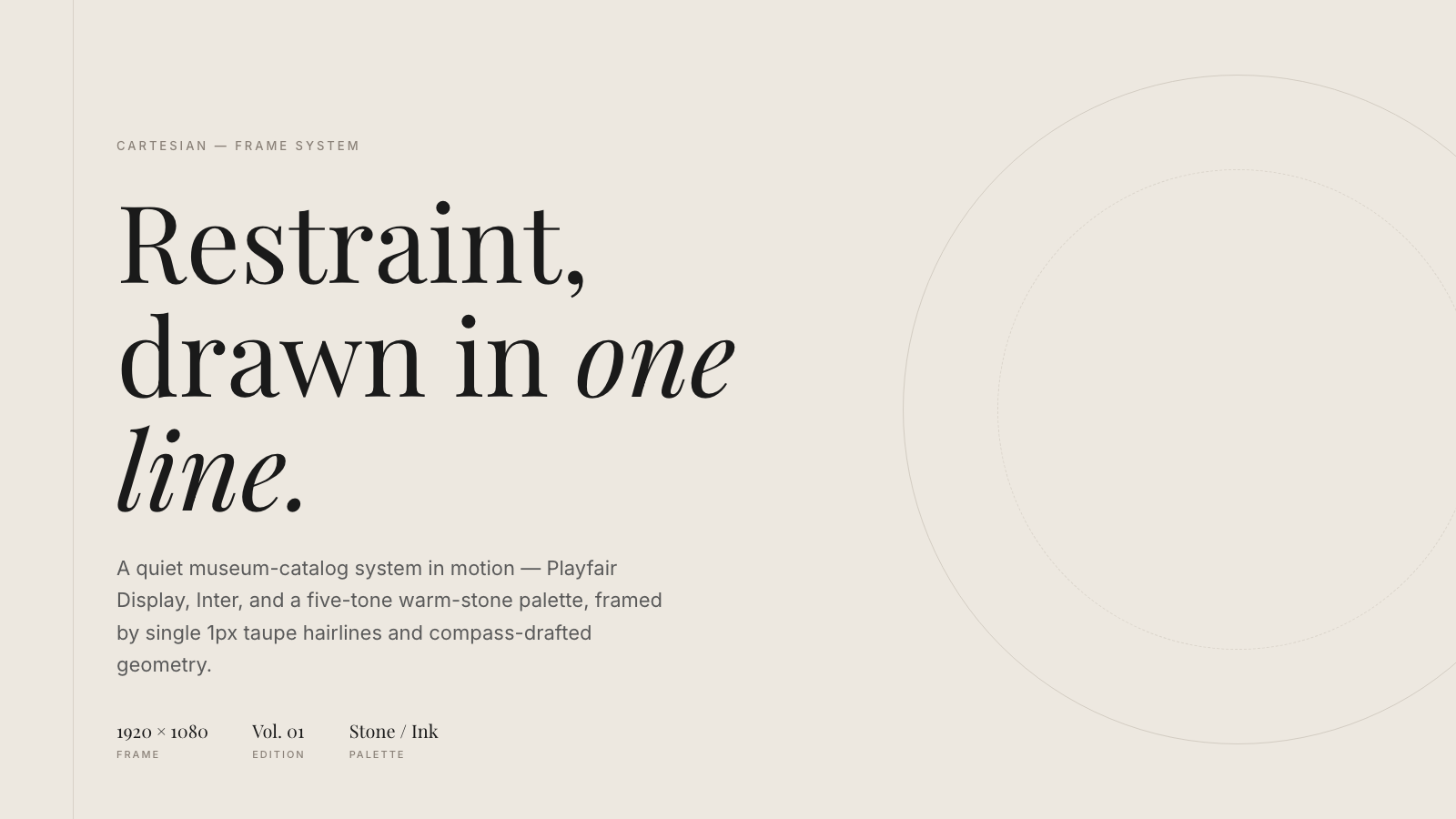
Cartesian |
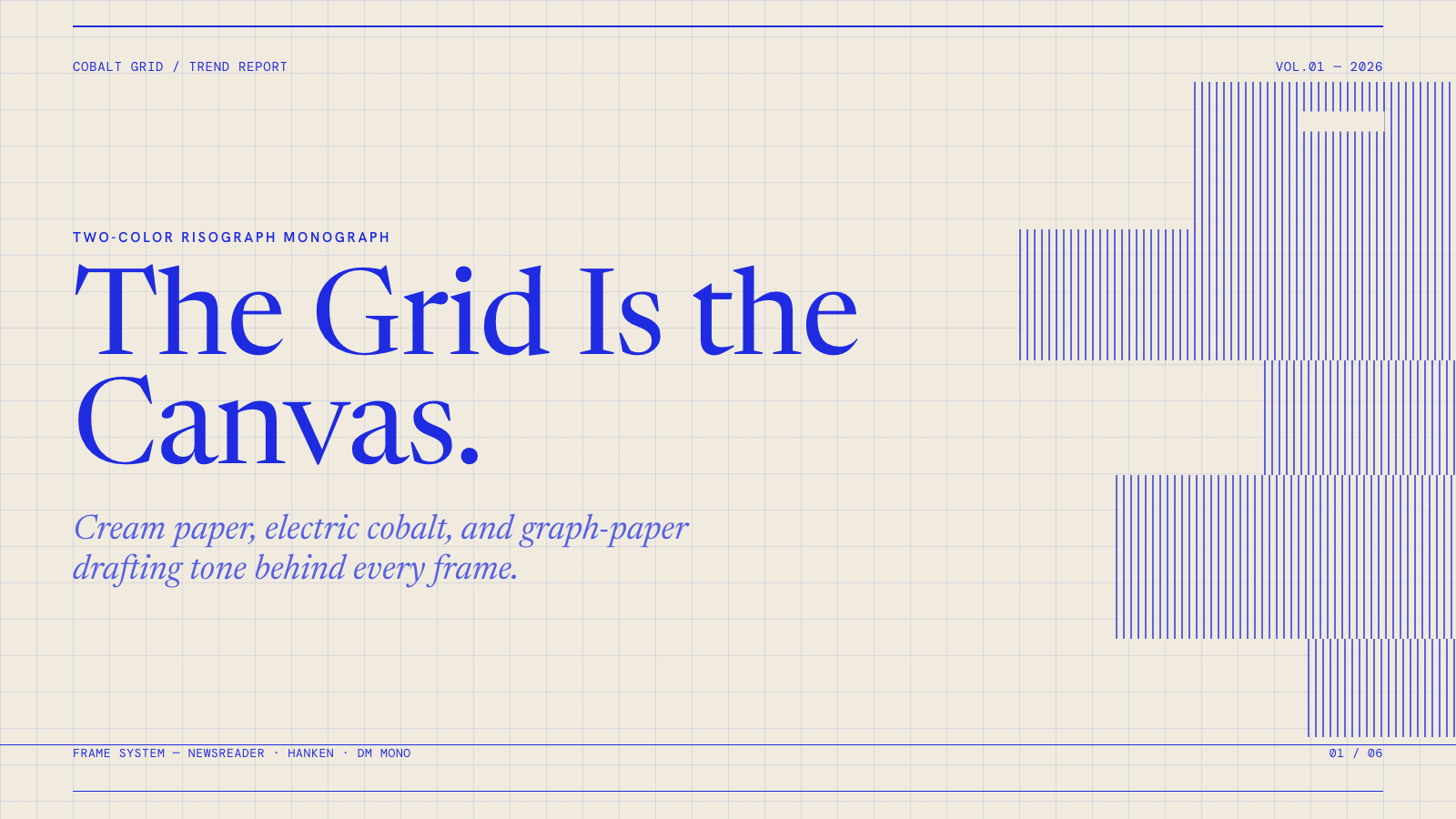
Cobalt Grid |

Coral |

Creative Mode |
Browse and remix them all at hyperframes.dev/design.
How It Works
Define a video as HTML. Add data attributes for timing and tracks. Use GSAP, CSS, Lottie, Three.js, Anime.js, WAAPI, or your own frame adapter for seekable animation.
<div id="stage" data-composition-id="launch" data-start="0" data-width="1920" data-height="1080">
  <video
    class="clip"
    data-start="0"
    data-duration="6"
    data-track-index="0"
    src="intro.mp4"
    muted
    playsinline
  ></video>

  <h1 id="title" class="clip" data-start="1" data-duration="4" data-track-index="1">Launch day</h1>

  <audio
    data-start="0"
    data-duration="6"
    data-track-index="2"
    data-volume="0.5"
    src="music.wav"
  ></audio>

  <script src="https://cdn.jsdelivr.net/npm/gsap@3/dist/gsap.min.js"></script>
  <script>
    const tl = gsap.timeline({ paused: true });
    tl.from("#title", { opacity: 0, y: 40, duration: 0.8 }, 1);
    window.__timelines = window.__timelines || {};
    window.__timelines.launch = tl;
  </script>
</div>
Preview instantly in the browser. Render locally or in Docker. The renderer seeks each frame in headless Chrome and encodes the result with FFmpeg, so the same input produces the same video.
HyperFrames Stack
HyperFrames is the open-source rendering engine, plus a growing set of tools around HTML-native video creation.
| Piece | Status | What it does |
|---|---|---|
| CLI | Available | Scaffold, preview, lint, inspect, and render local video projects |
| Core / Engine / Producer | Available | Parse compositions, drive headless Chrome, encode video, and mix audio |
| Catalog | Available | Reusable blocks and components for transitions, overlays, captions, charts, maps, and effects |
| Agent skills | Available | Teach coding agents the video-production patterns that generic web docs miss |
| Studio | Available, evolving | Browser surface for previewing and editing compositions |
| AWS Lambda rendering | Available | Deploy a distributed render stack and drive renders from your laptop or CI |
| hyperframes.dev | Available | Community playground for previewing, iterating, sharing, and rendering HTML-native video projects |
| frame.md | Available | Invert your design system for the camera — a DESIGN.md superset an agent can compose video from |
Catalog
Install ready-to-use blocks and components:
npx hyperframes add flash-through-white   # shader transition
npx hyperframes add instagram-follow      # social overlay
npx hyperframes add data-chart            # animated chart
Browse the catalog at hyperframes.heygen.com/catalog.
Why HyperFrames?
- HTML-native: compositions are HTML files with data attributes. No React requirement, no proprietary timeline format.
- Agent-friendly: agents already write HTML, and the CLI is non-interactive by default.
- Deterministic: same input, same frames, same output. Built for CI, regression tests, and automated rendering.
- No build step: an
index.htmlcomposition plays as-is and can be previewed directly in the browser. - Adapter-based animation: bring GSAP, CSS animations, Lottie, Three.js, Anime.js, WAAPI, or a custom runtime.
- Open source: Apache 2.0 license, with no per-render fees or commercial-use thresholds.
HyperFrames vs Remotion
HyperFrames is inspired by Remotion. Both tools render video with headless Chrome and FFmpeg. The main difference is the authoring model: Remotion's bet is React components; HyperFrames' bet is plain HTML that humans and agents can both write easily.
| HyperFrames | Remotion | |
|---|---|---|
| Authoring | HTML + CSS + seekable animation | React components |
| Build step | None; index.html plays as-is |
Bundler required |
| Agent handoff | Plain HTML files | JSX / React project |
| Library-clock animations | Seekable, frame-accurate via adapters | Wall-clock animation patterns need care |
| Distributed rendering | Local and AWS Lambda render paths | Remotion Lambda, mature cloud renderer |
| License | Apache 2.0 | Source-available Remotion License |
Read the full comparison in the HyperFrames vs Remotion guide.
Documentation
Full documentation: hyperframes.heygen.com/introduction
Packages
| Package | Description |
|---|---|
hyperframes |
CLI for creating, previewing, linting, and rendering compositions |
@hyperframes/core |
Types, parsers, generators, linter, runtime, and frame adapters |
@hyperframes/engine |
Seekable page-to-video capture engine using Puppeteer and FFmpeg |
@hyperframes/producer |
Full rendering pipeline for capture, encode, and audio mix |
@hyperframes/studio |
Browser-based composition editor UI |
@hyperframes/player |
Embeddable <hyperframes-player> web component |
@hyperframes/shader-transitions |
WebGL shader transitions for compositions |
@hyperframes/aws-lambda |
AWS Lambda SDK and deployment surface for distributed renders |
Community
HyperFrames is used in production at HeyGen, with community examples from teams like tldraw, TanStack, and others in ADOPTERS.md. Open a PR if your team is using HyperFrames.
- Questions and ideas: Discord
- Bugs and feature requests: GitHub Issues
- Security reports: SECURITY.md
- Contributions: CONTRIBUTING.md
Development Note
The repo uses Git LFS for golden regression-test baselines under packages/producer/tests/**/output.mp4 (about 240 MB of .mp4 files). If you're cloning the full repo for development, install Git LFS first:
# macOS
brew install git-lfs

# Ubuntu / Debian
sudo apt install git-lfs

# Windows
winget install GitHub.GitLFS

# Then, once per machine
git lfs install
If you only need source files, you can skip LFS content:
GIT_LFS_SKIP_SMUDGE=1 git clone https://github.com/heygen-com/hyperframes.git